List Jobs
The Job List shows all long-running operations in your account.
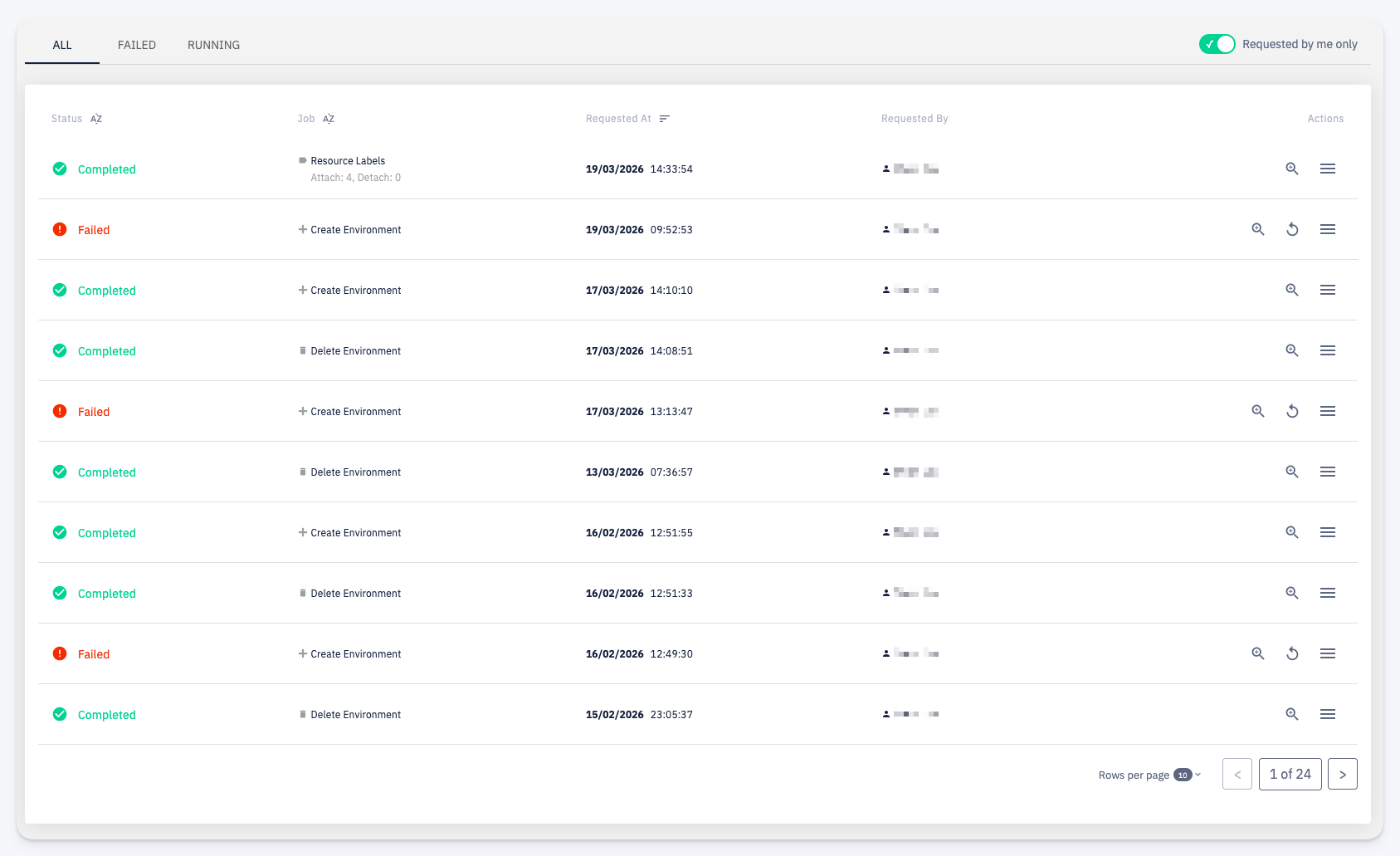
Tabs
The list can be filtered by status using the tabs at the top:
- ALL — all jobs regardless of status
- FAILED — only jobs that ended with an error
- RUNNING — only jobs that are currently in progress
The Requested by me only toggle further narrows the list to jobs initiated by the currently logged-in user.
Columns
Each row shows:
- Status — the current state of the job: Completed (green), Failed (red), or Running
- Job — the job type and a short summary of the operation (e.g. the number of label attachments/detachments)
- Requested At — the date and time the job was triggered
- Requested By — the user who initiated the job
Actions
- Detail — open the job detail view
- Retry — re-run a failed job; available only for jobs with Failed status
- More — additional actions