Builds Overview
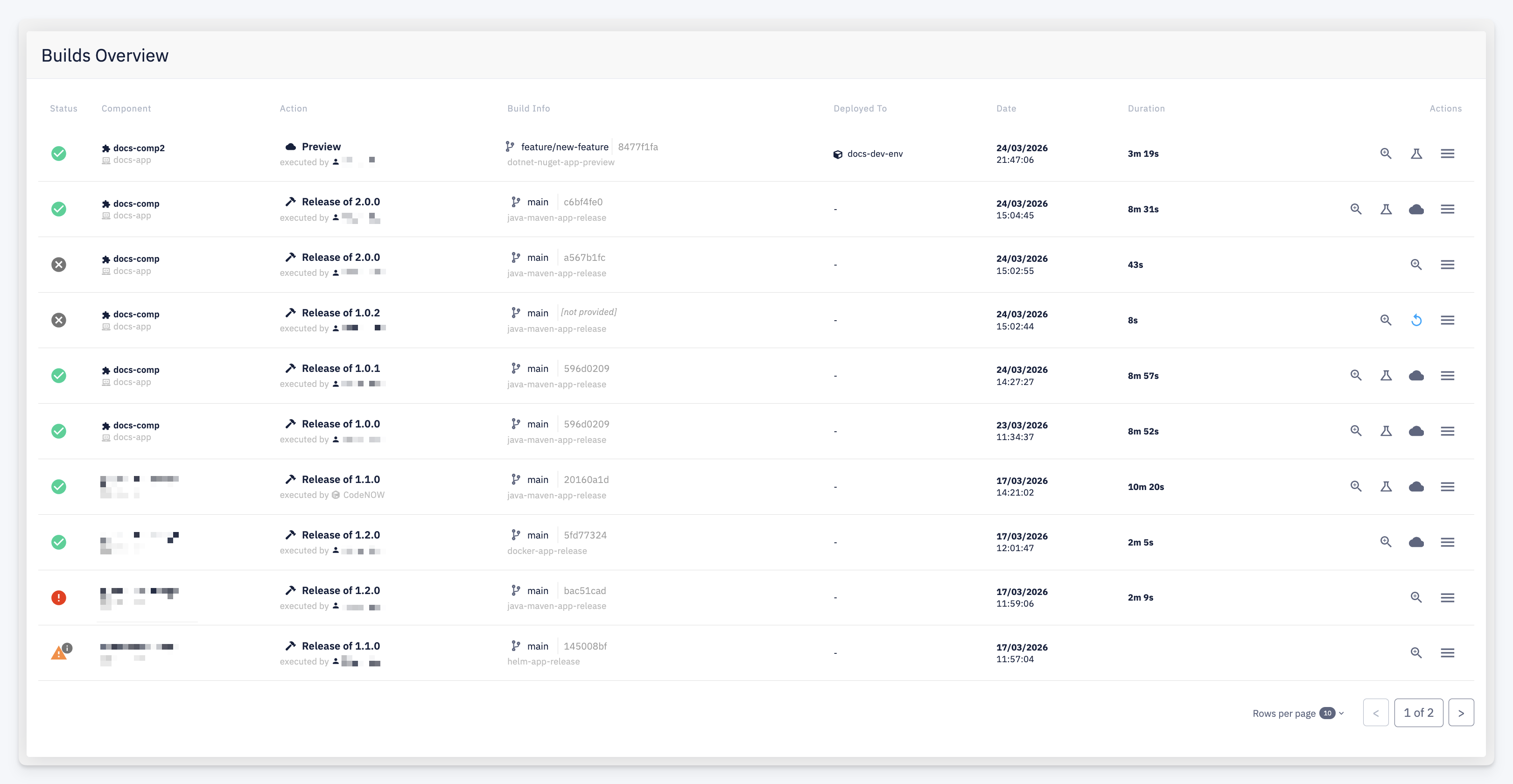
The Builds Overview provides a single aggregated view of all builds across all components in the account. It lets you monitor the current build activity, review recent build history, and act on individual builds without navigating into each component separately.
Columns
| Column | Description |
|---|---|
| Status | Build result: success, failed, in progress, incomplete, or pending retry |
| Component | The component the build belongs to, with its technology stack icons and the application it is part of |
| Action | The build type and version (e.g. Preview, Release of 2.0.0) and who triggered it |
| Build Info | The source branch, commit hash, and CI pipeline name used for the build |
| Deployed To | The environment the build was deployed to, if a deployment was triggered as part of the build |
| Date | When the build started |
| Duration | How long the build took to complete |
| Actions | Per-build actions — see below |
Actions
| Icon | Action | Description |
|---|---|---|
| Detail | Open the Build Detail with full logs and registered results | |
| Direct Deploy | Deploy this component version directly to a target environment. Available for deployable components with a successful build | |
| Deploy | Deploy this build as part of an application package to a target environment | |
| Retry | Re-attempt processing of an incomplete build without re-running the full pipeline | |
| More options | Additional actions for this build |