Label Detail
The Label Detail page shows the label's configuration and the list of all resources it is currently attached to.
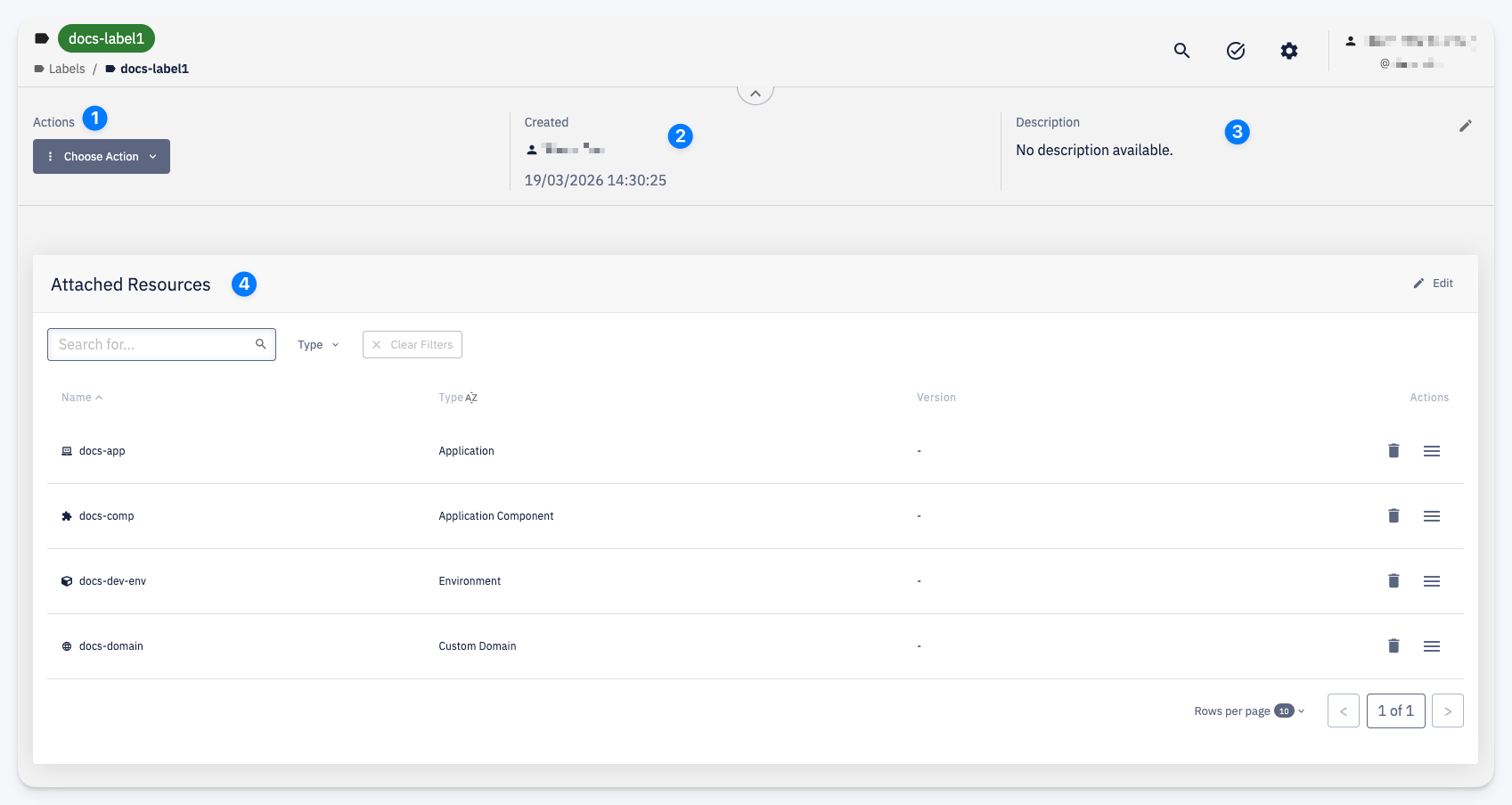
Actions
1 — The Choose Action menu provides access to label operations:
- Edit — manage which resources are attached to this label; see Edit Label
- Settings > Permissions — manage access; see Permissions
- Delete — permanently remove the label
Label Info
2 — Created — who created the label and when
3 — Description — editable description of the label
Attached Resources
4 — A table of all resources this label is currently attached to. Each row shows the resource Name, Type, and Version (where applicable). Resources can be detached individually using the delete action on each row.
The Edit button in the section header opens the Edit Label form to manage attachments in bulk.