Integrations
Integrations connect third-party Source Code Management (SCM) providers to the CodeNOW account. These connections allow CodeNOW to access repositories for building and deploying application components.
CodeNOW supports the following SCM providers:
- GitHub.com
- GitHub Enterprise Server
- GitLab.com
- GitLab Self-managed
- Bitbucket.org
- Bitbucket Data Center
- Azure DevOps Server
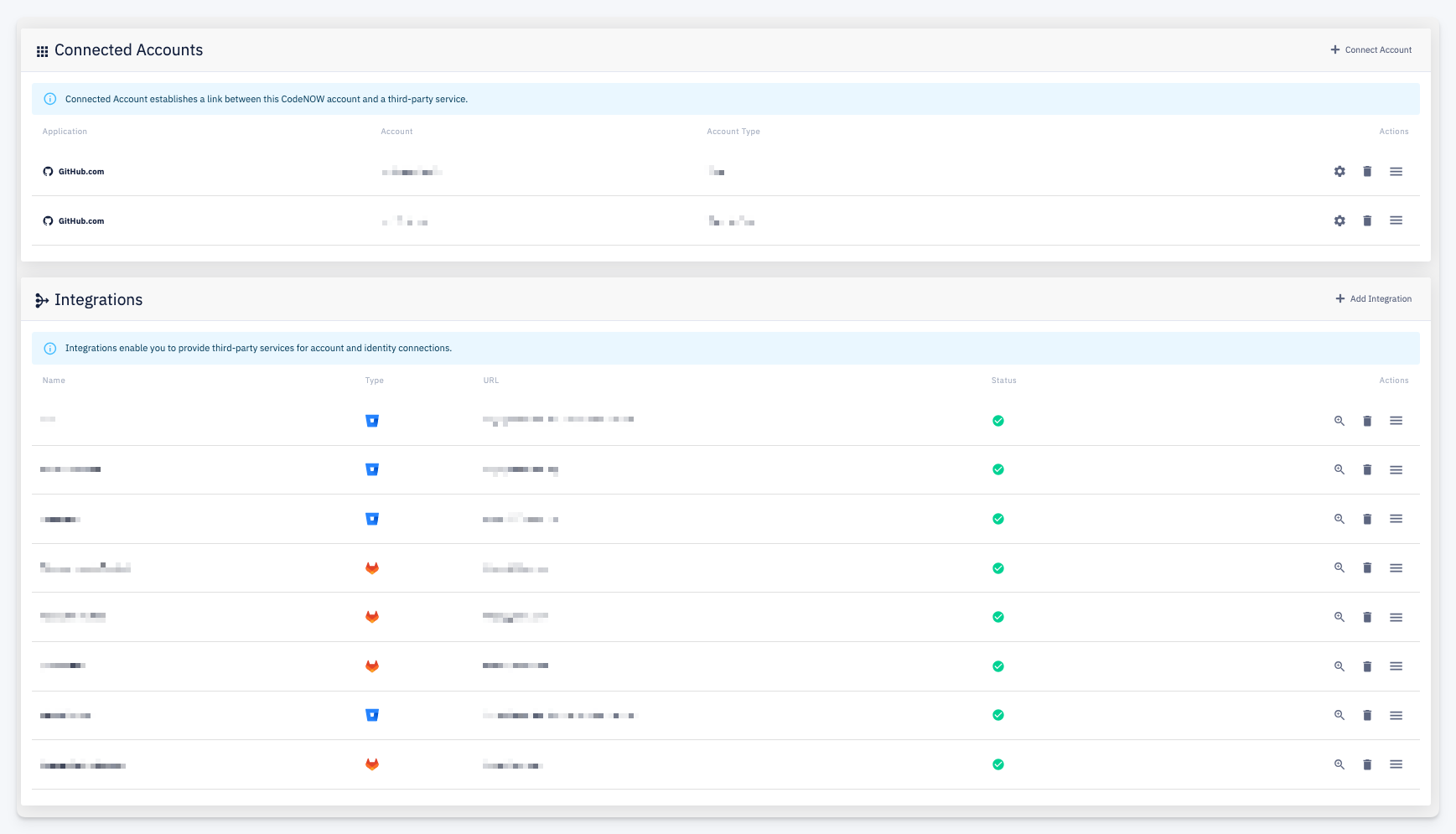
The dashboard is divided into two sections depending on how the connection is established:
Connected Accounts
Connected Accounts are created through an OAuth flow with the provider. The user authorizes CodeNOW directly via the provider's OAuth mechanism. Currently, OAuth is supported for GitHub.com only.
Each row shows the Application (provider), the connected Account, and the Account Type. Use + Connect Account to add a new connected account.
Integrations
Integrations are created using a service or technical user's access token. This approach is used for all providers that do not support OAuth, as well as for server/self-managed variants where OAuth is not configured.
Each row shows:
| Column | Description |
|---|---|
| Name | A label identifying the integration |
| Type | The SCM provider type (GitHub, GitLab, etc.) |
| URL | The provider instance URL |
| Status | Whether the integration is active and the access token is valid |
Use + Add Integration to configure a new integration. Actions per row: Detail, Delete, and More.
When adding a new integration, a step-by-step wizard guides you through the configuration. The wizard includes provider-specific instructions on how to set up the required service user and generate an access token — the exact steps vary depending on the SCM provider.