Team
The Team detail page is the administration view for a specific team. It provides an overview of the team's permissions across all resources and its member list — and allows an account admin or owner to manage both.
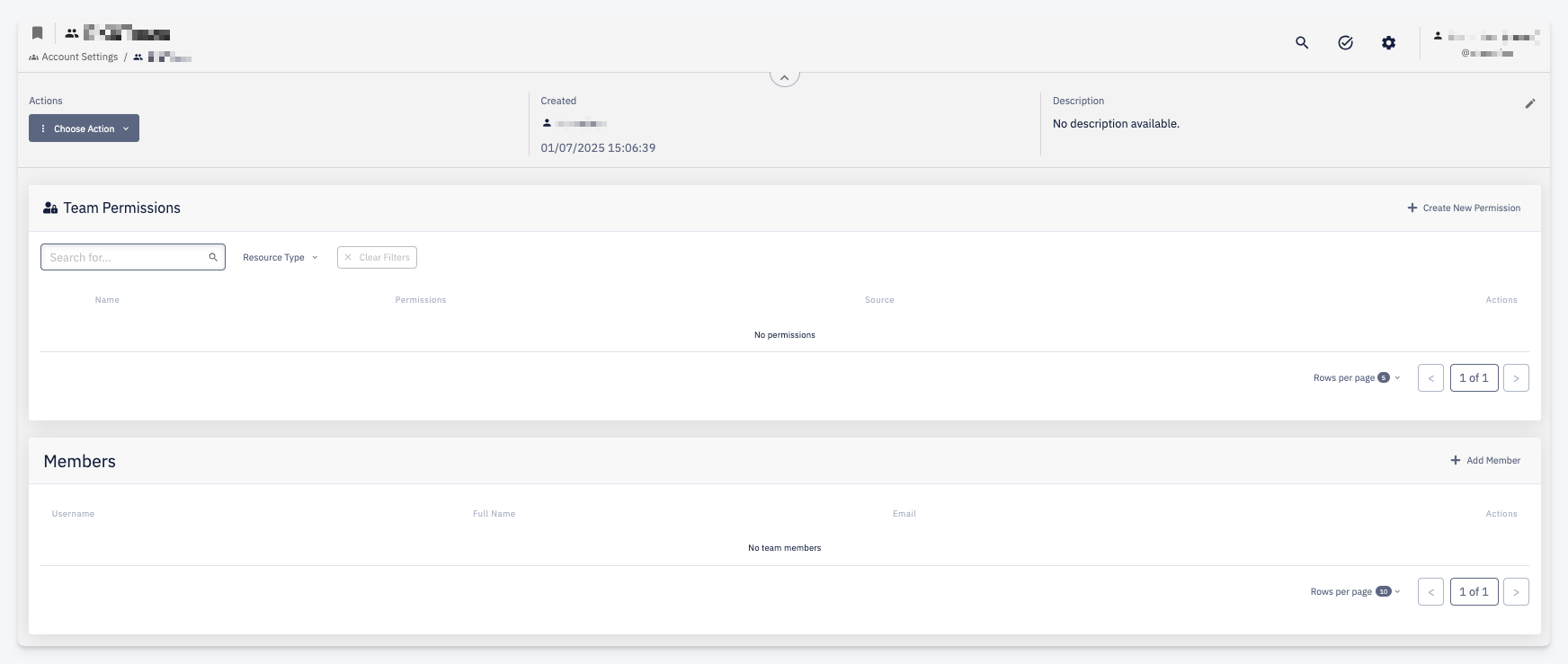
Header
The header shows the team's basic information:
| Field | Description |
|---|---|
| Created | The user who created the team and the creation timestamp |
| Description | A short description of the team; editable via the pencil icon |
Use Choose Action to rename or delete the team.
Team Permissions
Lists all resources the team has been granted permissions on. Each row shows:
| Column | Description |
|---|---|
| Name | The resource (application, component, template, environment, etc.) |
| Permissions | The permission groups assigned to the team for that resource |
| Source | The origin of the permission assignment |
Actions per row: Edit the permission assignment, Delete it, or access More options.
Use + Create New Permission to grant the team access to an additional resource. Filter the list by Resource Type to narrow down the view.
Members
Lists all users who are members of the team. Each row shows the username, full name, and email.
Use + Add Member to add a user to the team. To remove a member, use the action available on each row.