Users & Teams
The Users & Teams dashboard provides a central view of all users, teams, and pending invitations within the account. The header shows a summary of the account's current seat usage.
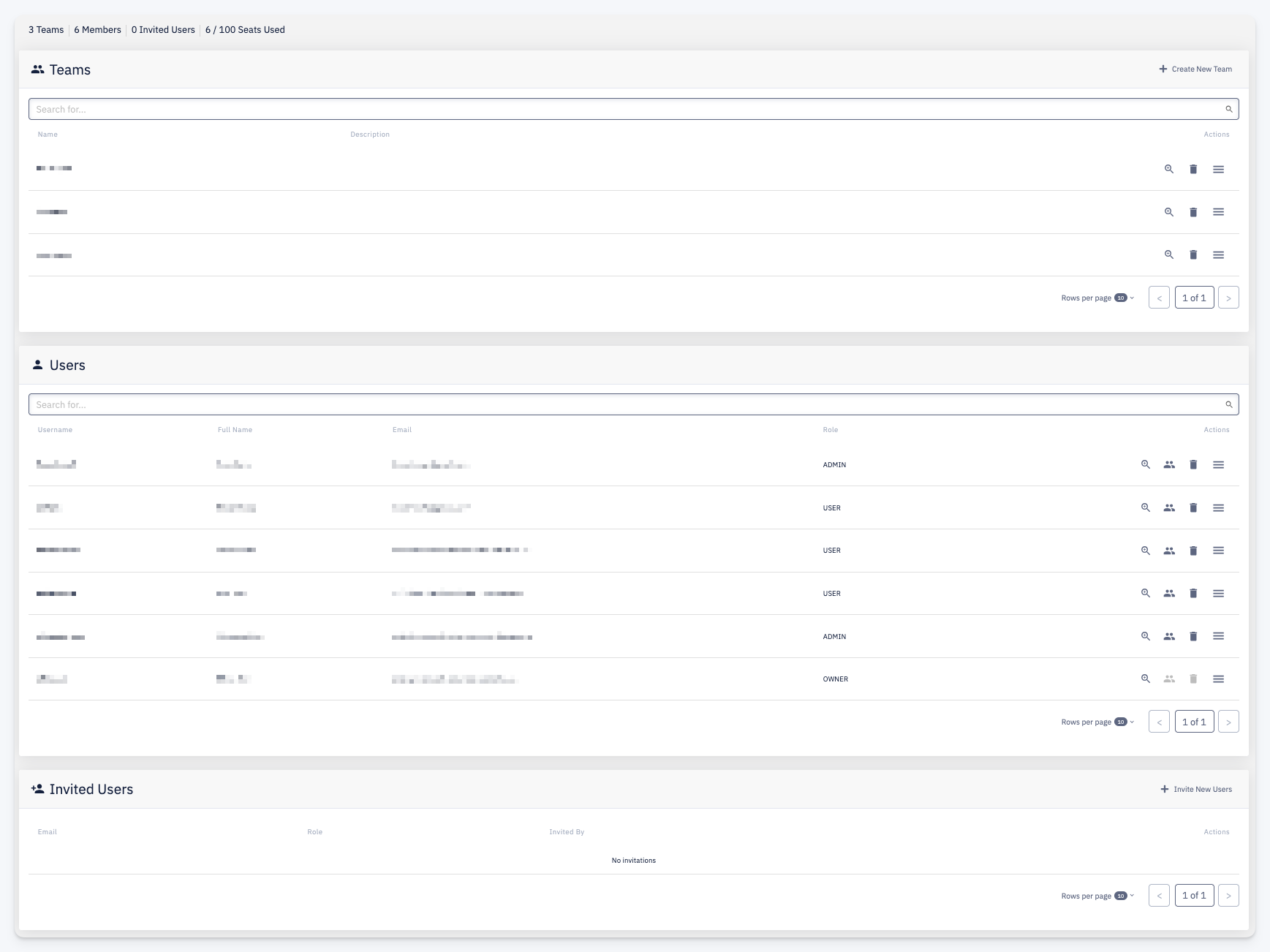
The dashboard is divided into three sections:
Teams
Lists all teams in the account. Each row shows the team name, description, and available actions:
- Detail — open the Team detail
- Delete — delete the team
- More — additional actions
Use + Create New Team to add a new team.
Users
Lists all users registered in the account. Each row shows the username, full name, email, role, and available actions:
- Detail — open the User detail
- Teams — manage the user's team memberships
- Delete — delete the user
- More — additional actions
Possible roles are Owner, Admin, and User.
Invited Users
Lists all pending user invitations. Each row shows the email, assigned role, the user who sent the invitation, and available actions for cancelling the invitation.
Use + Invite New Users to send an invitation to a new user.