Compare Packages
To compare two package versions, open the application detail and click Compare Packages in the Packages section.
-
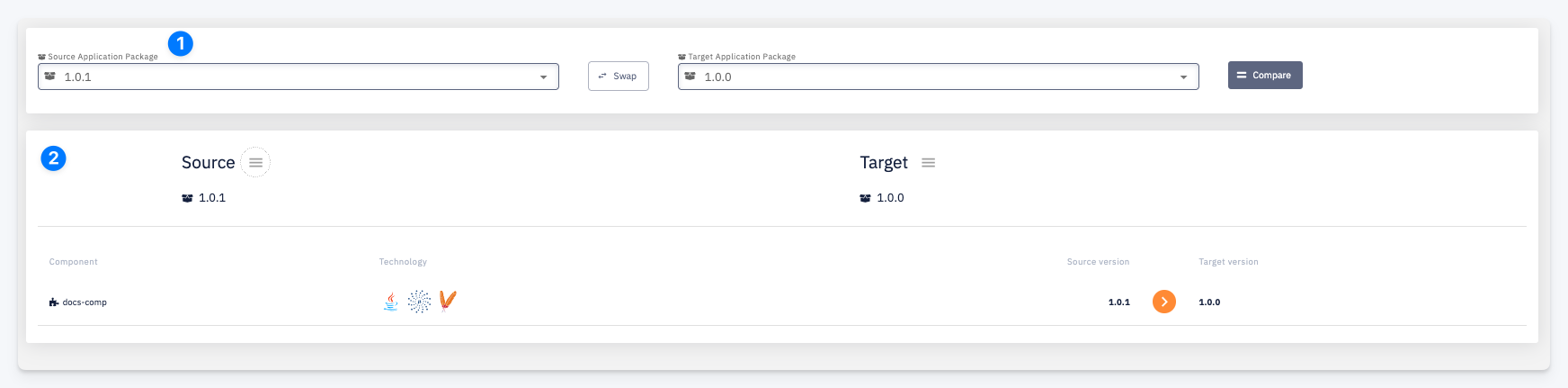
Source / Target Application Package — select the two package versions to compare. Use the Swap button to switch source and target, then click Compare to run the comparison.
-
Comparison result — shows the Source and Target package versions side by side. The table lists all components with their Source version and Target version. Components that differ between the two packages are visually highlighted.