Create a New Container
To create a new container, click the + Create New Container button in the top-right corner of the Container List.
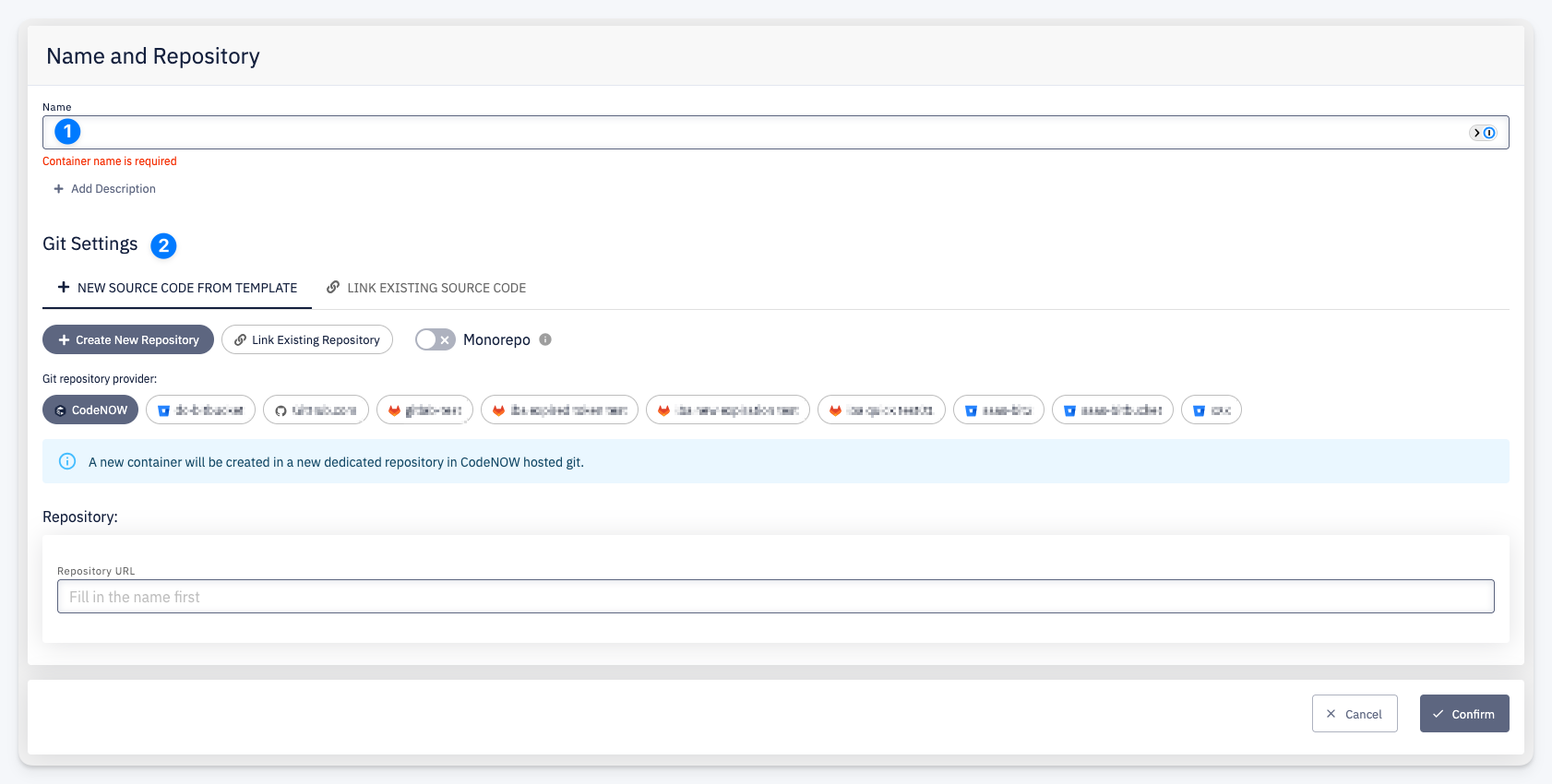
- Name — enter a container name and optionally click + Add Description to provide a description. The repository URL is generated automatically based on the name.
- Git Settings — configure how the source code repository is created or linked. Choose between creating a new repository or linking an existing one, select the Git provider, and optionally enable monorepo mode.
info
Unlike libraries or application components, containers do not use technology templates. You provide your own Dockerfile and build configuration in the repository.
Click Confirm to create the container. After creation you are redirected to the Container Detail page.