Open / Clone Repository
You can access the container's Git repository directly from the Container Detail page using the Choose Action dropdown.
Open Repository
Select Open Repository to open the container's Git repository in a new browser tab. This takes you to the repository hosting interface (e.g. GitLab) where you can browse files, view commit history, and manage branches.
Clone Repository
Select Clone Repository to display a ready-to-use git clone command with the repository URL.
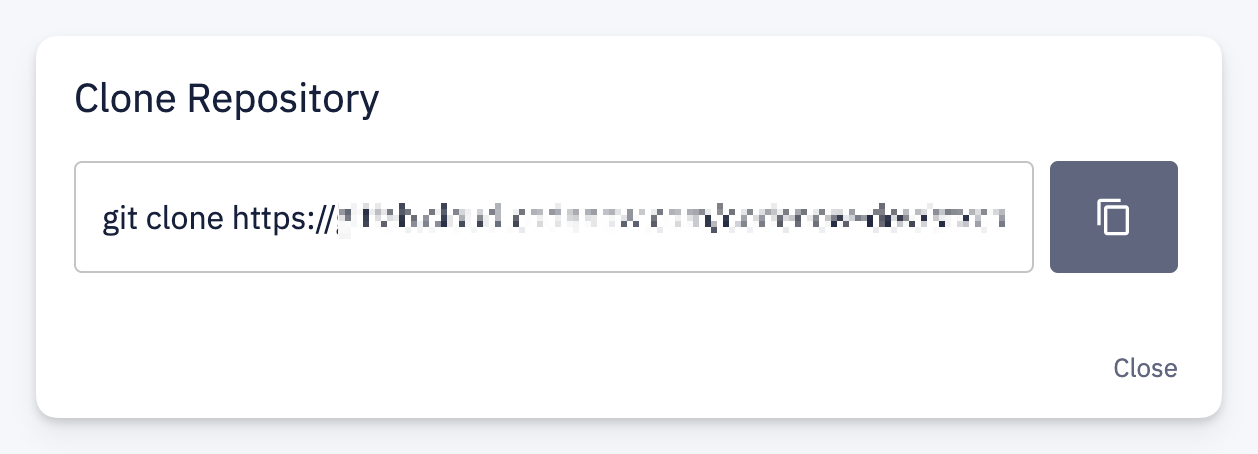
Click the copy button to copy the command to your clipboard and run it in your terminal to start developing locally.
info
The clone protocol (SSH or HTTPS) is determined by your account-level Git clone protocol setting.
tip
To change the default clone protocol, contact your account administrator.