Setup Instructions
To view setup instructions for a container, open the Container Detail page and select Setup Instructions from the Choose Action dropdown.
The setup instructions wizard guides you through two steps to start using the container image.
Step 1 — Clone Repository
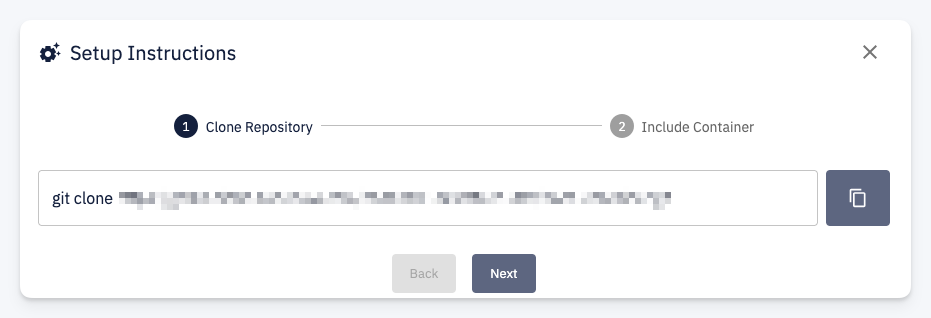
Provides a ready-to-use git clone command with the repository URL. Click the copy button to copy the command and run it in your terminal.
Step 2 — Include Container
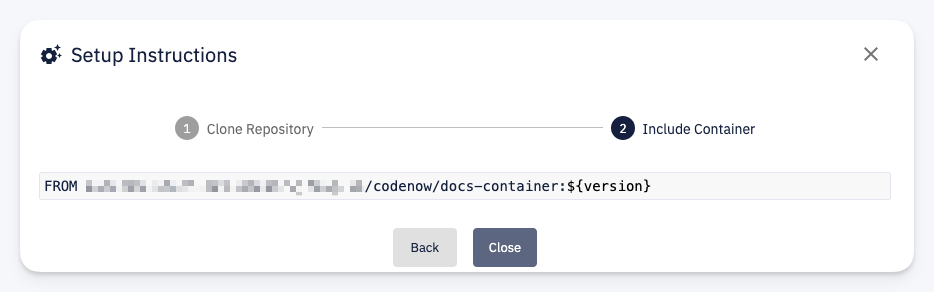
Provides the FROM directive to add to your Dockerfile. This references the container image from the CodeNOW container registry with a version placeholder:
FROM registry.example.com/codenow/my-container:${version}
Copy this line into the Dockerfile of any component that should use this container as its base image.