Deploy Application
Triggered when an application package is deployed through the Deploy action. A single job tracks the rollout to every selected target environment — useful when deploying to multiple environments at once, for example through a label.
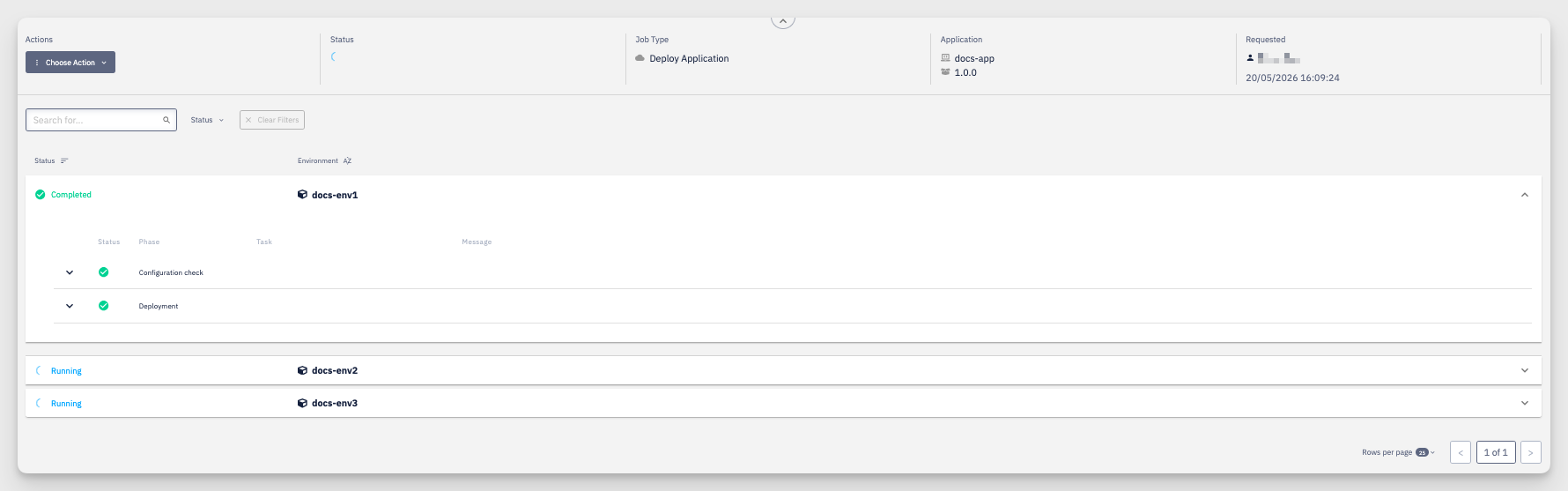
The header shows the Application and its package version, along with who Requested the deployment and when. Below it, each target environment is listed with its own Status, and expands to the individual phases of the rollout:
- Configuration check — validates the deployment configuration before applying it
- Deployment — applies the package to the environment and waits for it to become ready
When several environments are targeted, each one runs and is reported independently — some may be Completed while others are still Running.