Environments
An Environment is a deployment target within CodeNOW. It represents a Kubernetes namespace on a specific Cluster and defines where applications and managed services are deployed. Each environment belongs to exactly one cluster, but a single cluster can host multiple environments.
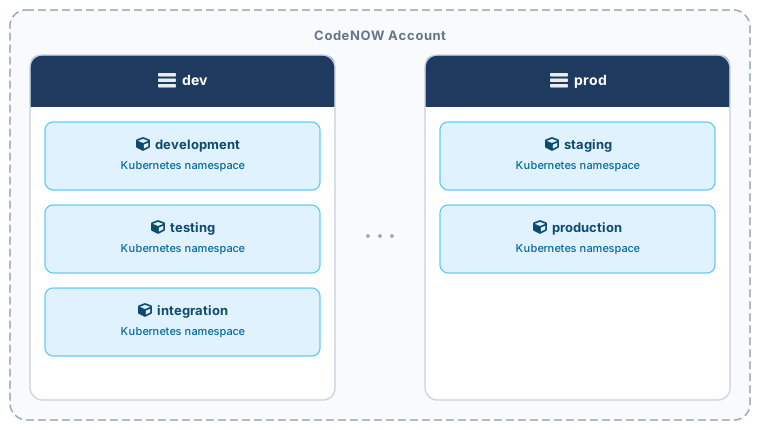
Environments give you isolation between different stages of your delivery pipeline — for example, separating development, staging, and production workloads — while keeping them all manageable from a single account.
From a developer's perspective, an Environment is a natural abstraction from the underlying infrastructure. Developers and other team members involved in the delivery process typically don't need to know which cluster an environment runs on or how it is configured at the infrastructure level. To them, an environment is simply a named target they can deploy applications and managed services into, and optionally attach custom domains to.
What You Can Do
| Action | Description |
|---|---|
| Browse environments | View and filter all environments in your account |
| Create an environment | Set up a new deployment target on a chosen cluster |
| View environment detail | See deployed applications, managed services, and environment configuration |
| Configuration | Configure whether deployments from CI pipelines are allowed |
| Permissions | Manage who has access to the environment |
| Delete environment | Permanently remove the environment |