Environment List
The Environment List shows all environments in your account as a table.
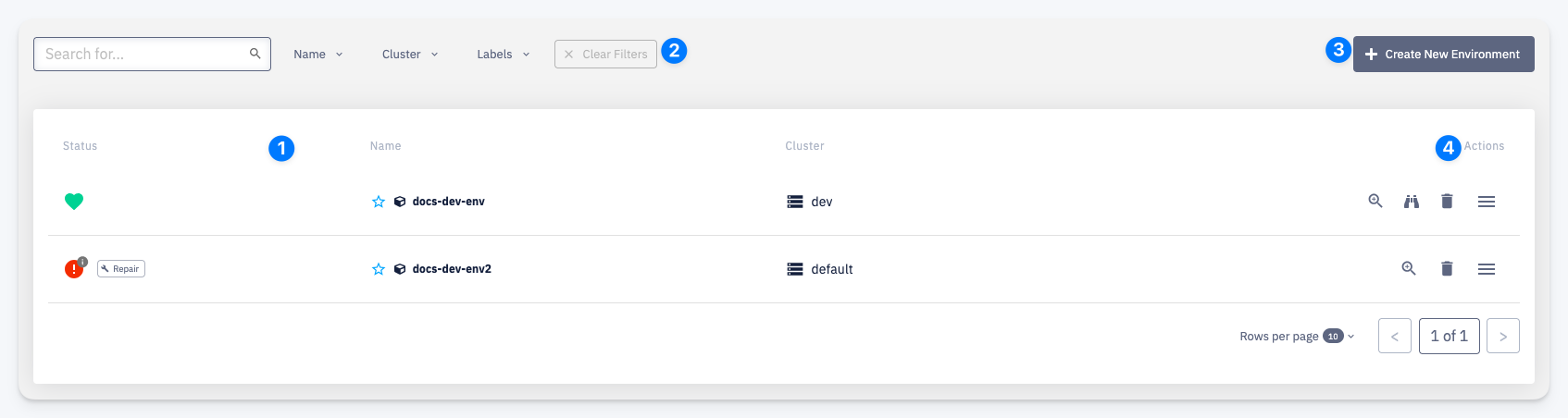
1 — Status — the current health of the environment:
- Green heart — environment is healthy
- Red indicator — environment is in an error state; a Repair action becomes available
2 — Filters — narrow the list by name, cluster, or labels
3 — Create New Environment — opens the environment creation form
4 — Actions — per-row quick actions:
- Open environment detail
- Open environment monitoring
- Delete environment
- More actions menu