Create Package
Open the agent swarm detail and select Choose Action › Create New Package (or + Create Agent Swarm Package in the Packages card). The Create Package page opens.
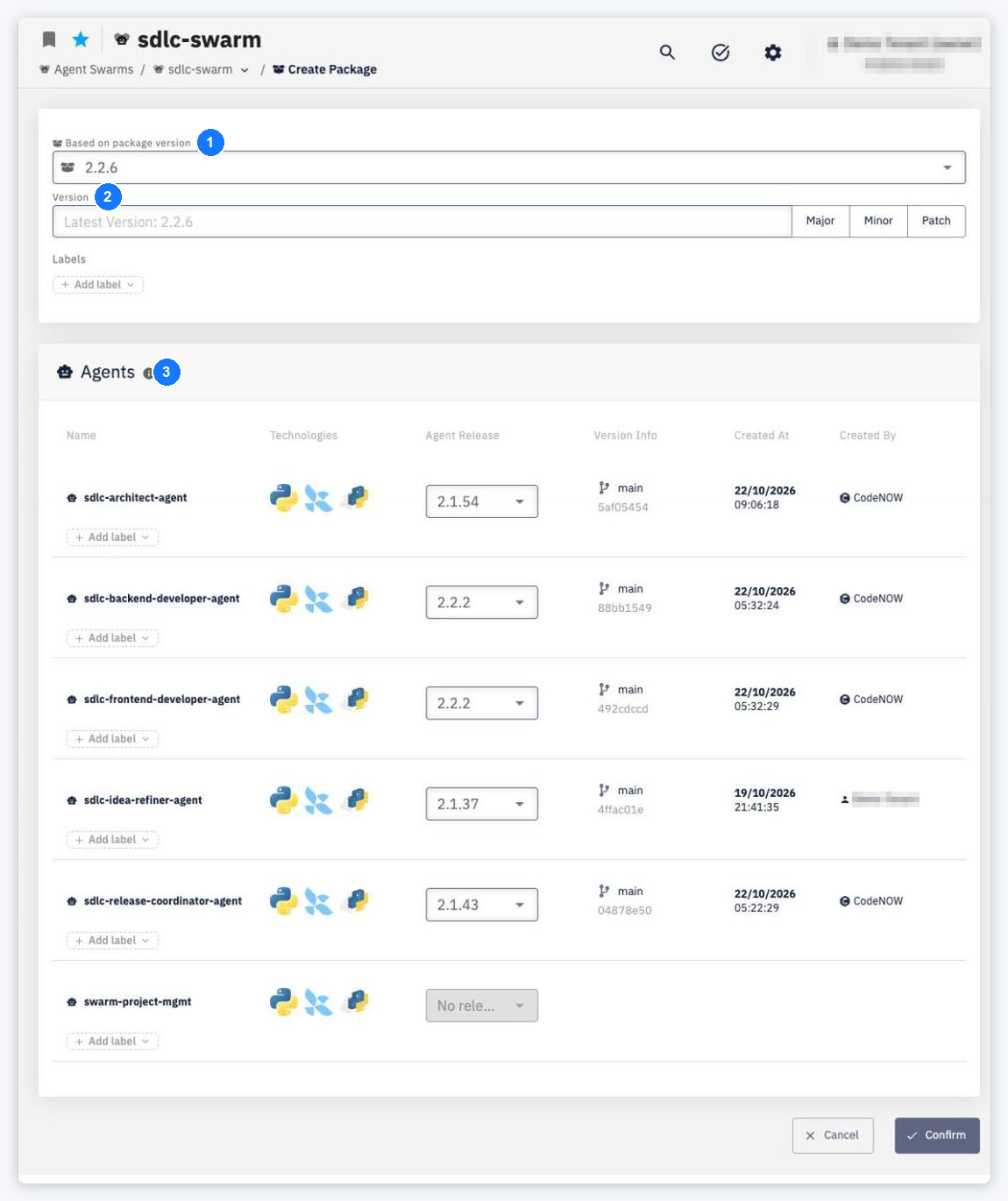
- Based on package version — an existing package whose agent versions pre-fill the new one.
- Version — type a version or use Major, Minor or Patch to increment the latest one. Optionally add Labels.
- Agents — for each agent select the Agent Release to include, or Exclude it. The table shows Technologies, Version Info (branch and commit), Created At and Created By of each release.
Click Confirm — Agent swarm package <version> created successfully. At least one agent must be included (You must include at least 1 agent), and the version must be new (Package version already exists!).