Templating Rules
The Templating Rules tab controls how the template engine processes the repository when generating a new Library.
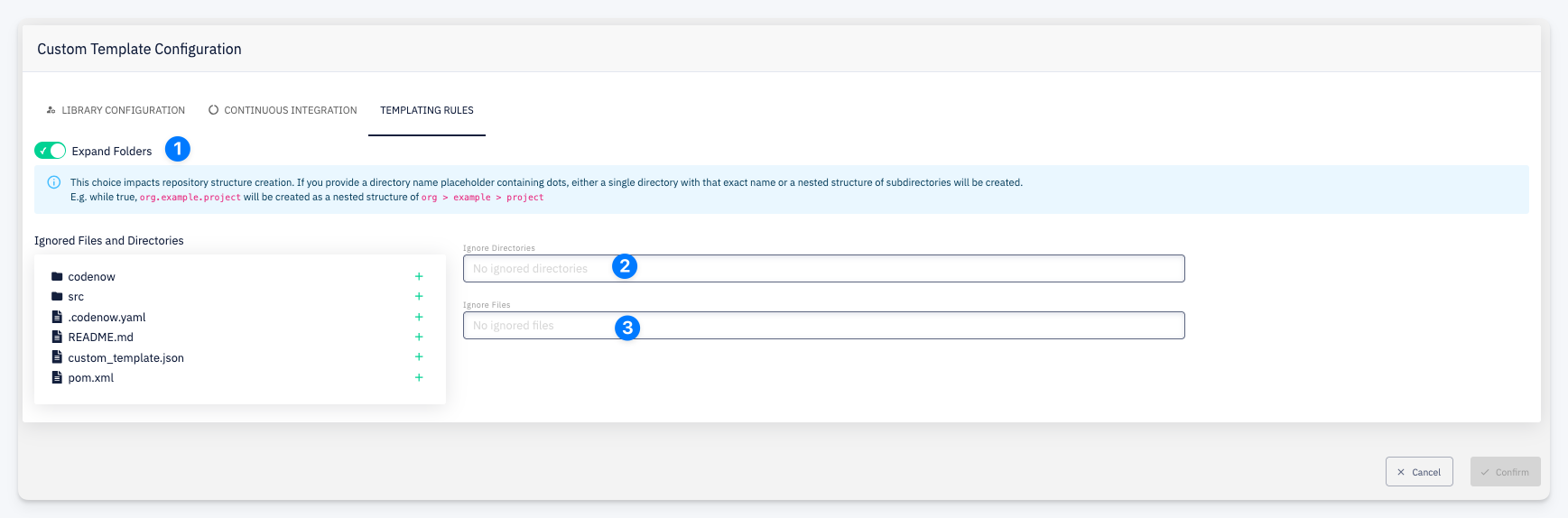
Expand Folders
Controls whether template values containing dots are expanded into a nested folder hierarchy during library generation.
For example, if a template value resolves to a.b.c:
| Setting | Result |
|---|---|
| Expand Folders = false | Creates a single folder named a.b.c |
| Expand Folders = true | Creates a nested structure a/b/c |
This setting applies to the entire template repository.
Ignored Files / Directories
A list of files or directories that should be excluded from template processing entirely. Files matching these paths are copied as-is without any expression expansion.
Use + Add to add an ignore rule.