Continuous Delivery
🕓 5 minutes
Overview
CodeNOW's continuous delivery features ensure secure and controlled deployment processes through two key components:
- Quality Gates: Security checkpoints requiring administrator approval for deployments
- Task List: Centralized interface for managing deployment approvals
These features work together to maintain proper control over deployments and provide efficient approval workflows.
What You'll Learn
In this guide, you'll learn how to:
- Configure Quality Gates for protected environments
- Manage deployment approvals through the Task List
- Implement secure deployment workflows
Quality Gates
Understanding Quality Gates
Quality Gates are security checkpoints in your deployment pipeline that help prevent unauthorized or accidental deployments in sensitive environments by requiring administrator approval.
How Quality Gates Work
Quality Gates provide a systematic approach to deployment approvals:
- When a deployment reaches a protected environment, it automatically triggers a Quality Gate
- The deployment pauses until an administrator reviews and approves the request
- Administrators can either approve or deny the deployment based on organizational policies
- Upon approval, the deployment continues; if denied, the process stops
Setting up Quality Gates
Follow these steps to configure Quality Gates for your component:
- Open your component's settings page
- Navigate to the "Continuous Delivery" section in the left sidebar
- Click the "Create New Quality Gate" button
- Select the environment you want to protect from the dropdown menu
- Review the configuration settings
- Click "Confirm" to create the Quality Gate
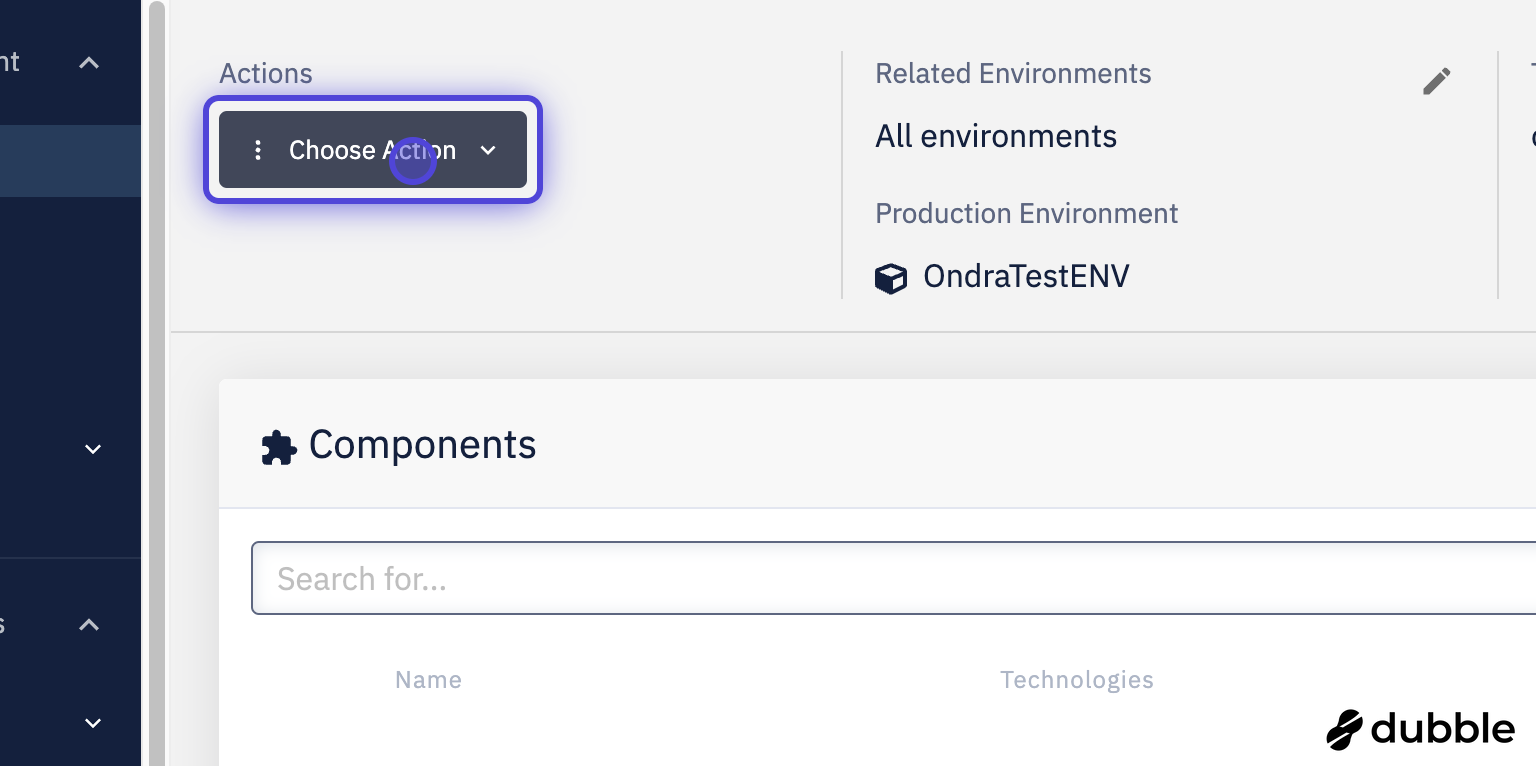
Click on Choose Action
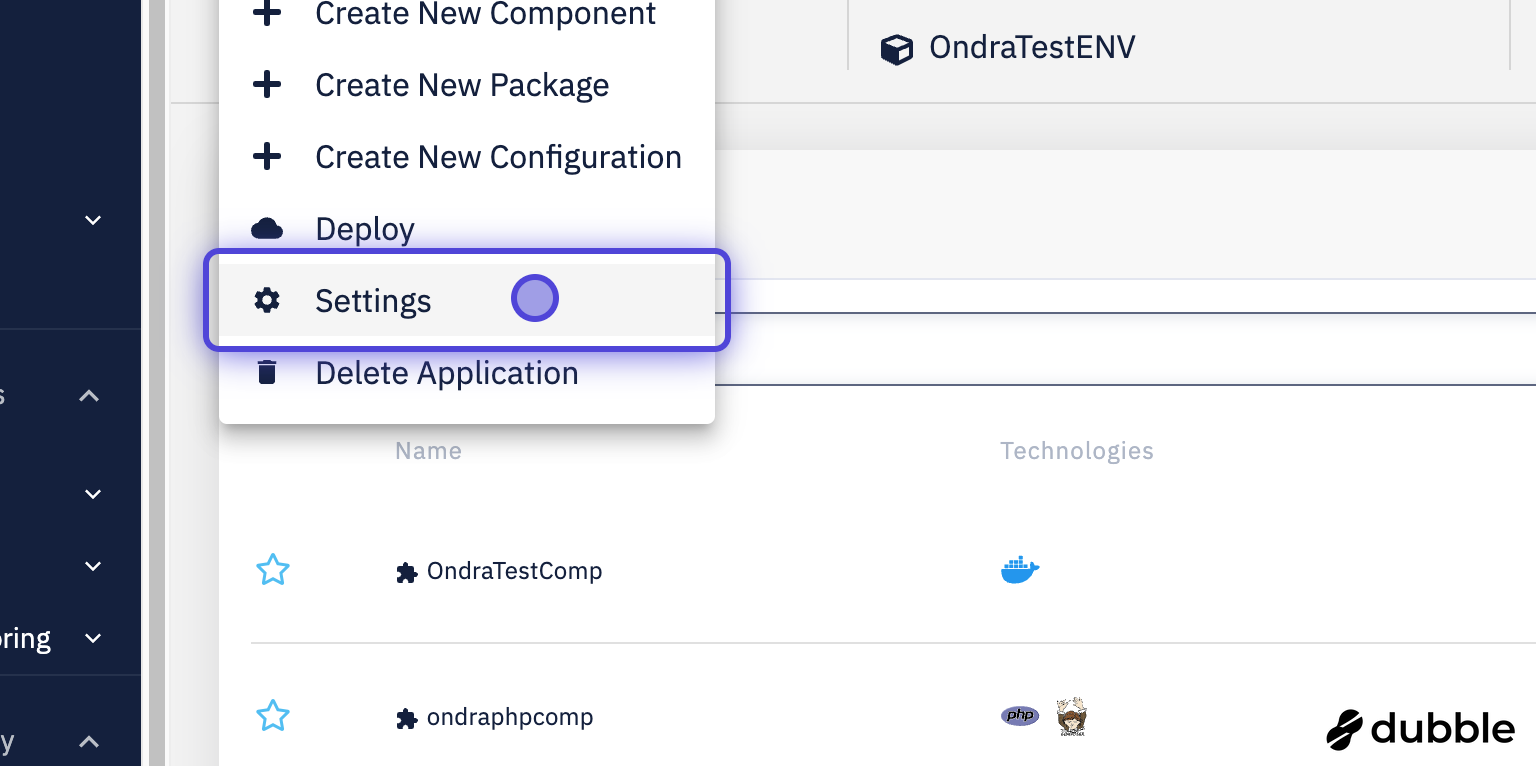
Click on settings
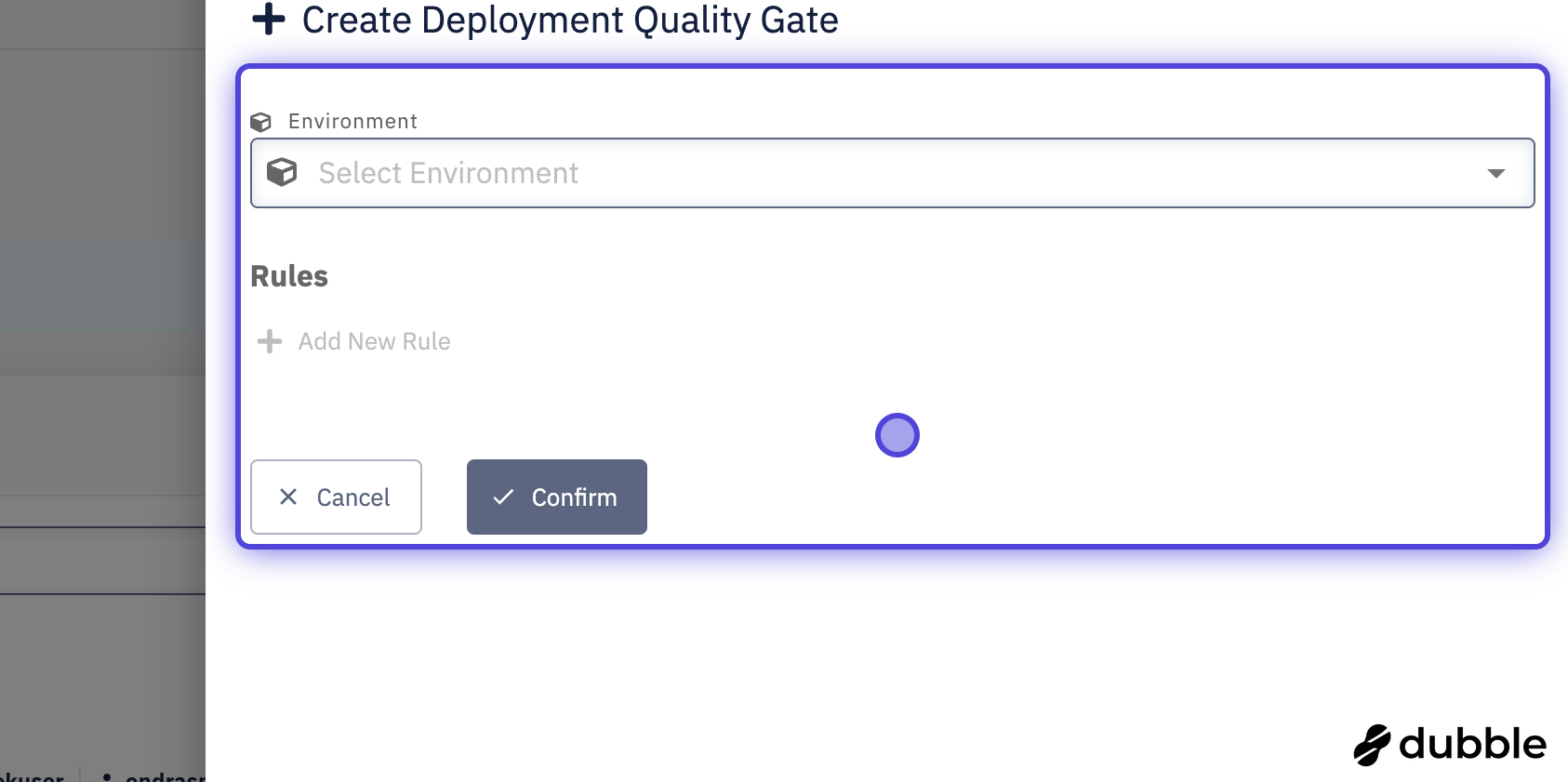
Choose your desired Environment and rules and confirm
Only administrators can approve or deny deployment requests through Quality Gates.
Task List
Understanding Task List
The Task List is a centralized interface where administrators can efficiently manage all pending Quality Gate approval requests.
Managing Approval Requests
Follow these steps to handle Quality Gate requests through the Task List interface:
- Access the Task List from the main navigation menu
- Review the list of pending approval requests
- Click on a request to view detailed deployment information
- Make an informed decision based on your organization's policies
- Click either "Approve" or "Deny" to process the request
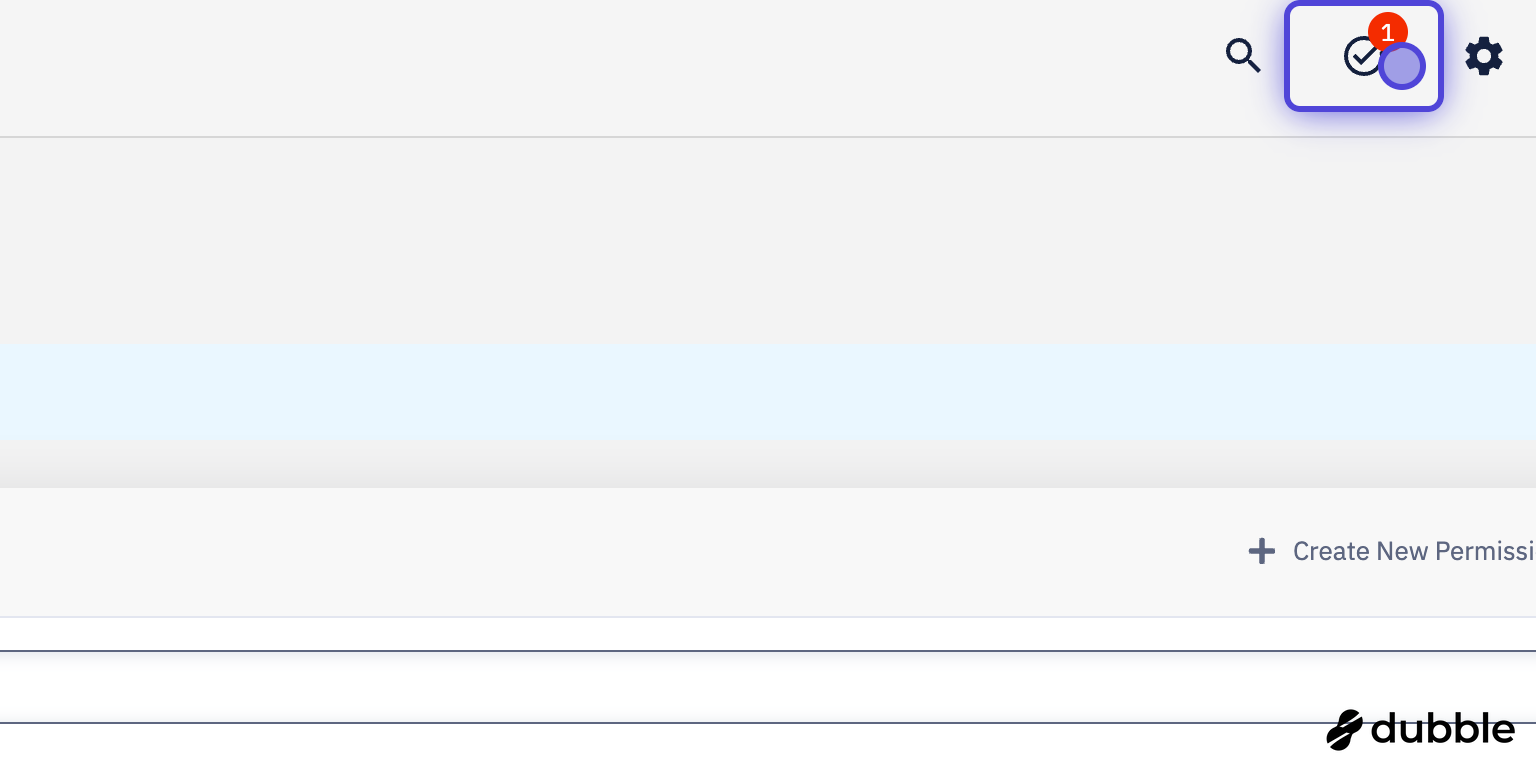
Click Task List in navigation
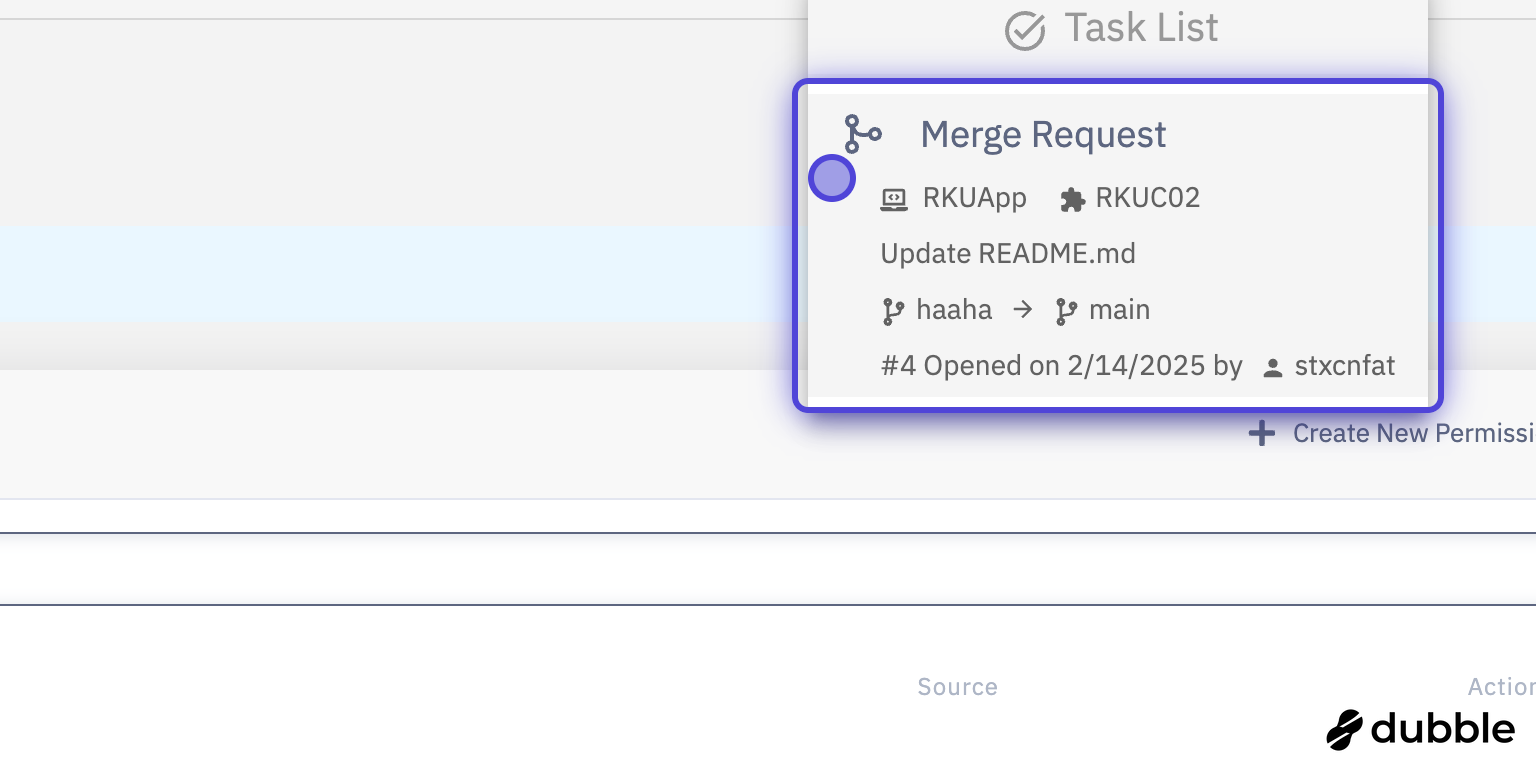
Click on your desired request
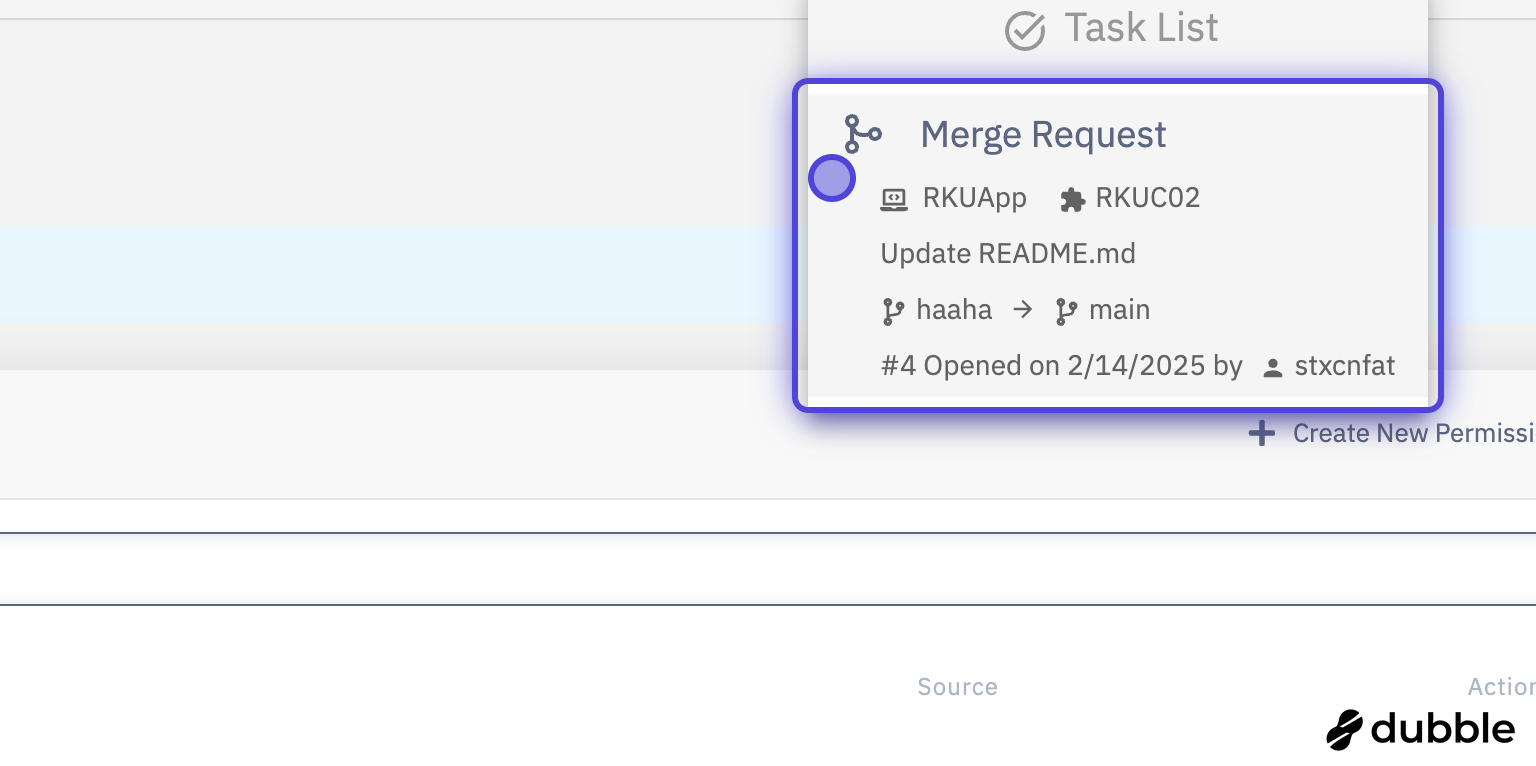
Review and accept or deny
The Task List provides real-time updates on pending approvals. Administrators can quickly review deployment details and make informed decisions.
Security and Best Practices
Key Security Features
The deployment approval workflow combines these key security features:
- Environment Protection: Prevents unauthorized access to sensitive environments
- Audit Trail: Maintains records of all approval decisions
- Efficient Processing: Streamlines approvals through the Task List interface
Implementation Guidelines
- Always configure Quality Gates for production and staging environments
- Establish clear approval policies and communicate them to the team
- Regularly review and update Quality Gate configurations
- Train administrators on proper approval procedures
Quality Gates and Task List are integral parts of CodeNOW's security framework. While Quality Gates define the approval requirements, all approval actions are managed through the Task List interface.